

2020 has been a challenging year for small businesses, no surprises there. While the easing of restrictions provided temporary recovery for some, most businesses’ survival still hangs on a balance. That said, it has become more important than ever to keep a close eye on your cash flow. This is where small business accounting softwares come in.
If proper accounting has been somewhat of a lesser priority for you in the past years, then you probably ended up here while thinking about your next move. Thankfully, small business accounting has become easier, thanks to the plethora of bookkeeping and accounting software in the market.
Do I Need Bookkeeping or Accounting Software?
Most small businesses interchange these two terms, but they are not the same, although they sometimes overlap in what they accomplish.
A bookkeeping software captures and organizes the day-to-day credit and debit — sales, purchases, payments, receipts. For some small businesses, this might be enough, but as your operations grow, you will start to feel its limitations as this kind of tool rarely analyzes the data fed into it.
On the other hand, accounting software can track credit, and debit like a bookkeeping tool can, as well as generate invoices, produce detailed reports, and analyze the data it gathers. It can provide more than an overview of the cashflow — it consolidates the numbers into palatable reports that you can sink your teeth into when it’s time to make data-driven decisions.
Our Favorite Small Business Accounting Softwares So Far
-
QuickBooks Online
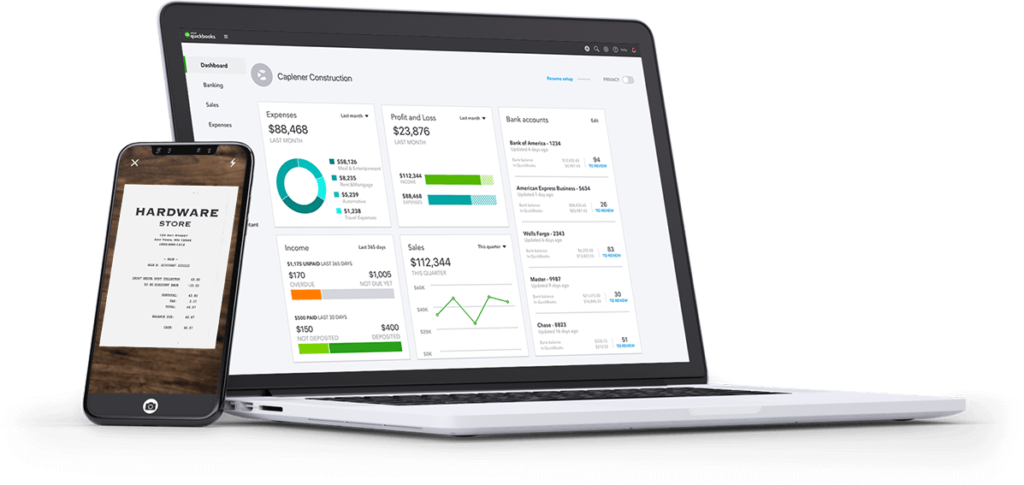
Photo by QuickBooks
QuickBooks Online by Intuit is the most popular accounting software for small businesses for good reason. Its versatility, fantastic user interface, and comprehensive features make it accessible to business owners who are trying to do their accounting and pro accountants.
Its basic plan lets you track income and expenses, generate and send invoices and quotes, connect to your bank accounts, create basic reports, and track tax. As you go further up the more expensive plans offered by Intuit.
You’ll gain access to more features like receiving online payments, bill management, time tracking, multi-currency, multiple user access, inventory tracking, budget management, and more.
There are two things we love about QuickBooks: easy data importation and simplified account reconciliation. If you have been encoding our data to CSV or Excel, simply upload it to Intuit QuickBooks Online, or if you are transitioning from one software to another, just export your data and import it back to QB.
In terms of reconciliation, this is the only software that allows you to tackle reconciliation in batches, making changes as you go.
-
FreshBooks
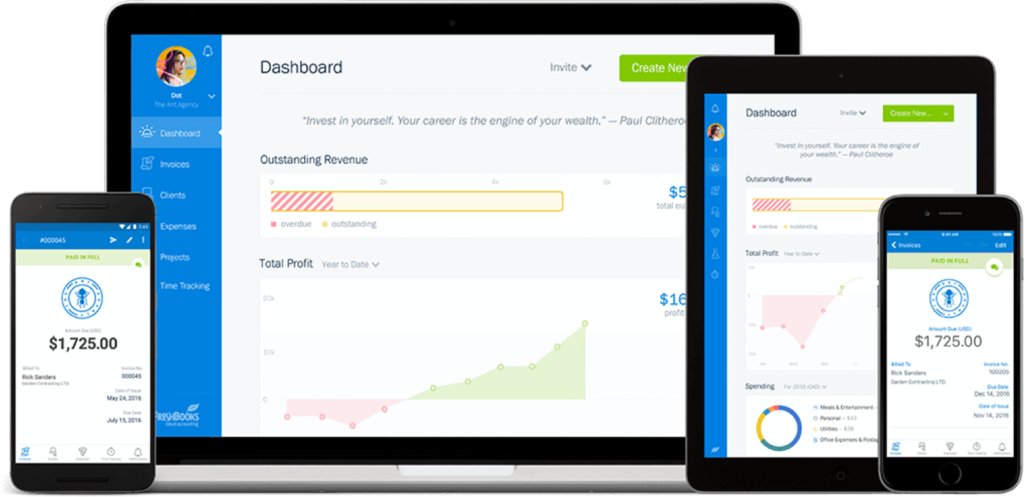
Photo by FreshBooks
FreshBooks covers the bases, including invoicing, time tracking, and receiving payments. Recently, its feature list grew to add bank reconciliation, inventory tracking, and more standard financial reports. It has also adopted the mechanics of double-entry accounting.
What sets FreshBooks apart from its peers is its deep level of customization. Most accounting tools allow you to customize aspects of your workflow from a separate Settings page. FreshBooks takes it a step further by allowing you to tweak your settings at every step.
For instance, when creating an invoice, you don’t have to leave the page to change into a different type of invoice — you can do it then and there. You can even set different invoices to recur at different intervals!
-
Sage 50cloud
More than 20 years ahead of most accounting softwares popular today, Sage 50cloud Pro Accounting has an insane number of features and impressive customization options, especially when you opt for the premium plan. It is also the only accounting software that integrates Microsoft 365.
However, this accounting software heavyweight comes with a caveat — well, a few. It works only with Windows OS, must be installed on a desktop computer, and doesn’t have a dashboard. Its user interface also shows its age and can look clunky.
Despite its aged appearance and operability, believe us when we say that Sage 50cloud is powerful. Perhaps, it’s even too robust for small businesses. It is better suited for larger organizations that will find features like role-based security and multi-company access helpful.
-
Xero
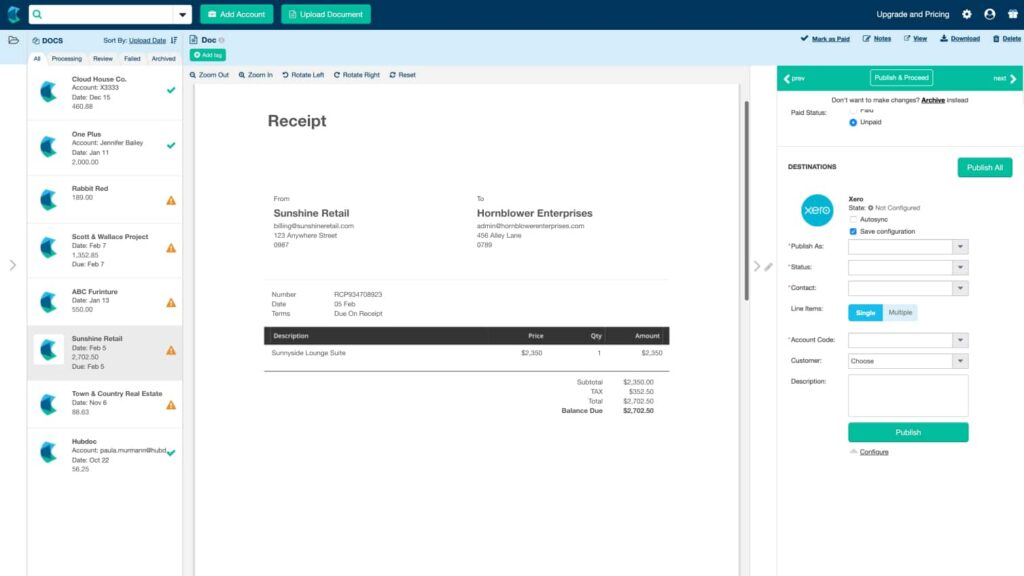
Photo by Zero
One go at Xero’s interface, and you’ll know why it’s one of our favorite small business accounting softwares. It uses a double-entry system and is quite capable of sales, purchases, inventory, reconciliation, and payroll tasks. Xero is also the only one that offers fixed asset management.
It even rolled out new features this year, including Stripe integration, and added to its repertoire of business views.
It is almost as good as QuickBooks, except it has a less friendly interface and needs further improvement when it comes to certain areas like inventory tracking and mobile support.
-
Wave
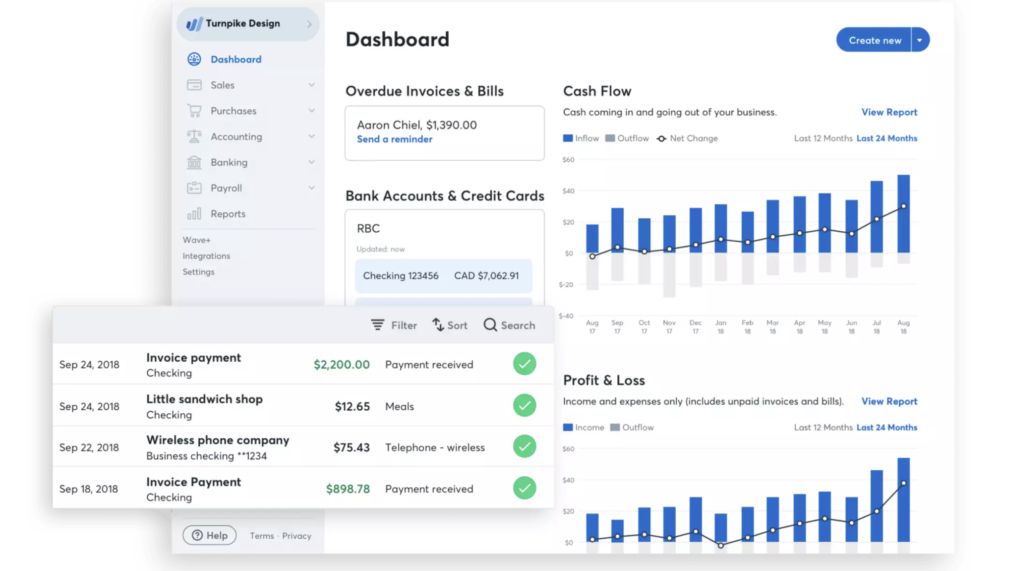
Photo by Wave
If you’re looking for something free and simple to use, Wave is for you. With the Wave accounting software, basic accounting functions are free of charge. You’ll only have to spend money when you use its payment processing and payroll features, and even then, the pricing is competitive.
That’s something microbusinesses and freelancers will surely appreciate. Onboarding with Wave is smooth and easy. Its interface is intuitive, and the dashboard is uncluttered, so you’ll never spend more than a few seconds finding what you need. Its invoicing functionality is also reliable. However, don’t expect it to generate detailed reports.
-
Zoho
Zoho is impressive because of its affordable price, customizable reports, multiple payment gateways, fantastic user interface, and mobile app availability. However, its competent payroll feature can be used only by businesses in California, New York, and Texas.
Because Zoho is owned by a productivity app developer rather than an accounting solutions firm, its strongest suit lies in constant updates. Every year, this accounting software adds more features, and we won’t be surprised if it competes with Sage and other heavyweight accounting solutions — if it improves its payroll integration.
-
GoDaddy Bookkeeping
GoDaddy continues its dedication to helping solopreneurs and freelancers by expanding its services to bookkeeping. Since GoDaddy Bookkeeping was launched, it has become more than just a tool to help its users figure out how much they might owe in taxes: today, it has a capable invoicing feature and integrates with Amazon, Etsy, and eBay.
Keep in mind that this is more of a bookkeeping tool than a full accounting solutions suite. Don’t expect comprehensive reports. Nevertheless, it is affordable and reliable enough for keeping an eye on the comings and goings of your hard-earned money.
-
Kashoo
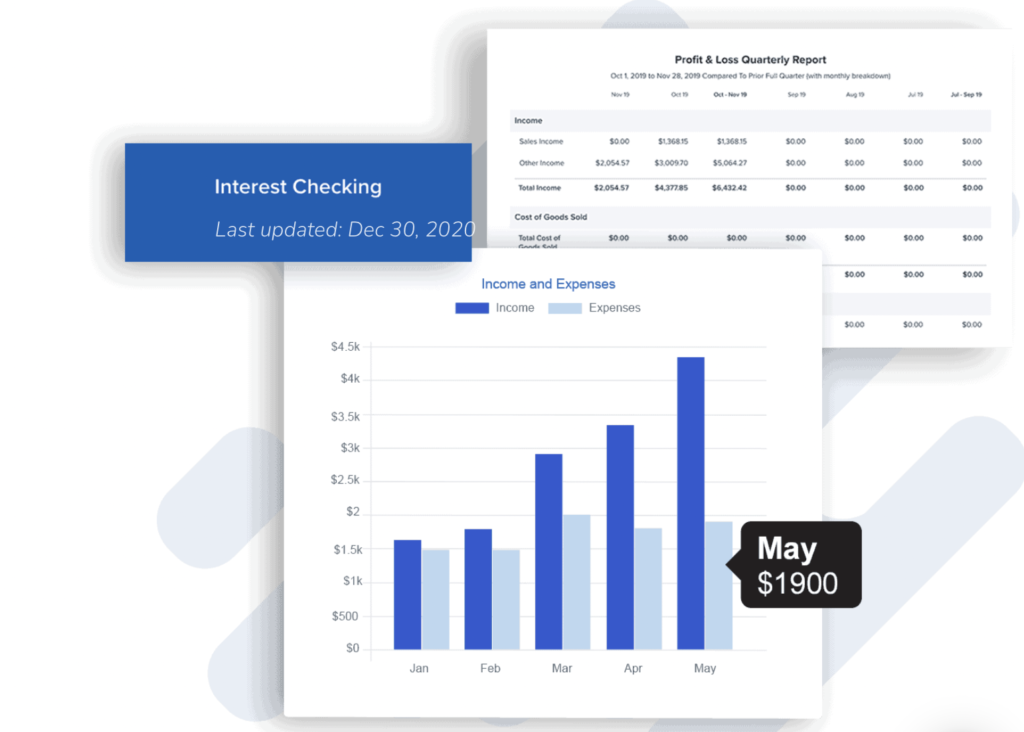
Photo by Kashoo
Kashoo is a competent accounting software, but it is yet to define the market it truly wishes to serve. It has enough features to cater to small businesses like double-entry accounting, project costing, and income and expense tracking but lacks inventory management capabilities.
On the onset, it also feels like a fantastic choice for freelancers, except that it doesn’t have time tracking. It is, however, effortless to set up, learn, and use. We think it’s a tool to watch out for, especially as it is updated this quarter.
-
Sunrise
For a free bookkeeping tool, Sunrise offers a lot: a pleasant dashboard and user experience,
double-entry accounting, quoting and estimation, comprehensive sales forms workflow, and Gusto and Zapier integration. You will only incur charges when you opt for its pro bookkeeping services.
Like most bookkeeping softwares on a budget, Sunrise doesn’t generate fancy reports apart from its standard. Its reconciliation feature needs finessing as well. That said, it remains a great choice for sole proprietors and freelancers with small operations.
-
QuickBooks for Self-Employed
We are ending this roundup with another product from Intuit: QuickBooks for Self-Employed. It is designed specifically for solopreneurs, freelancers, and independent contractors. Like its big sister, the more sophisticated QuickBooks Online, it does a wonderful job creating and sending invoices, importing data, time tracking, and estimating taxes.
Where it falls short is on customization. This software is straightforward and functional in the most basic sense. For instance, it can get stuff done quickly, but there aren’t many settings that you can’t customize and eventually automate.
How Do I Choose the Best Small Business Accounting Software?

Photo by Štefan Štefančík on Unsplash
To choose from these small business accounting softwares, you should begin by identifying which services you need the most. It’s almost impulsive to pick the cheapest software out there, but if it doesn’t help you save time or make better decisions, you won’t be saving money by scrimping.
Simultaneously, don’t feel like the best choice is the most expensive one — expensive accounting software plans have such high price points because of the features added, some (or a lot) of which you don’t need.
It’s important to find the balance between function and budget. You should consult your accountant or accounting team to tell you with better precision to decide between the right small business accounting softwares.